
Free
$0100 credits, one time
Up to 3 Veo 3.1 clips


- Every video and image model
- Automatic refunds on failed renders

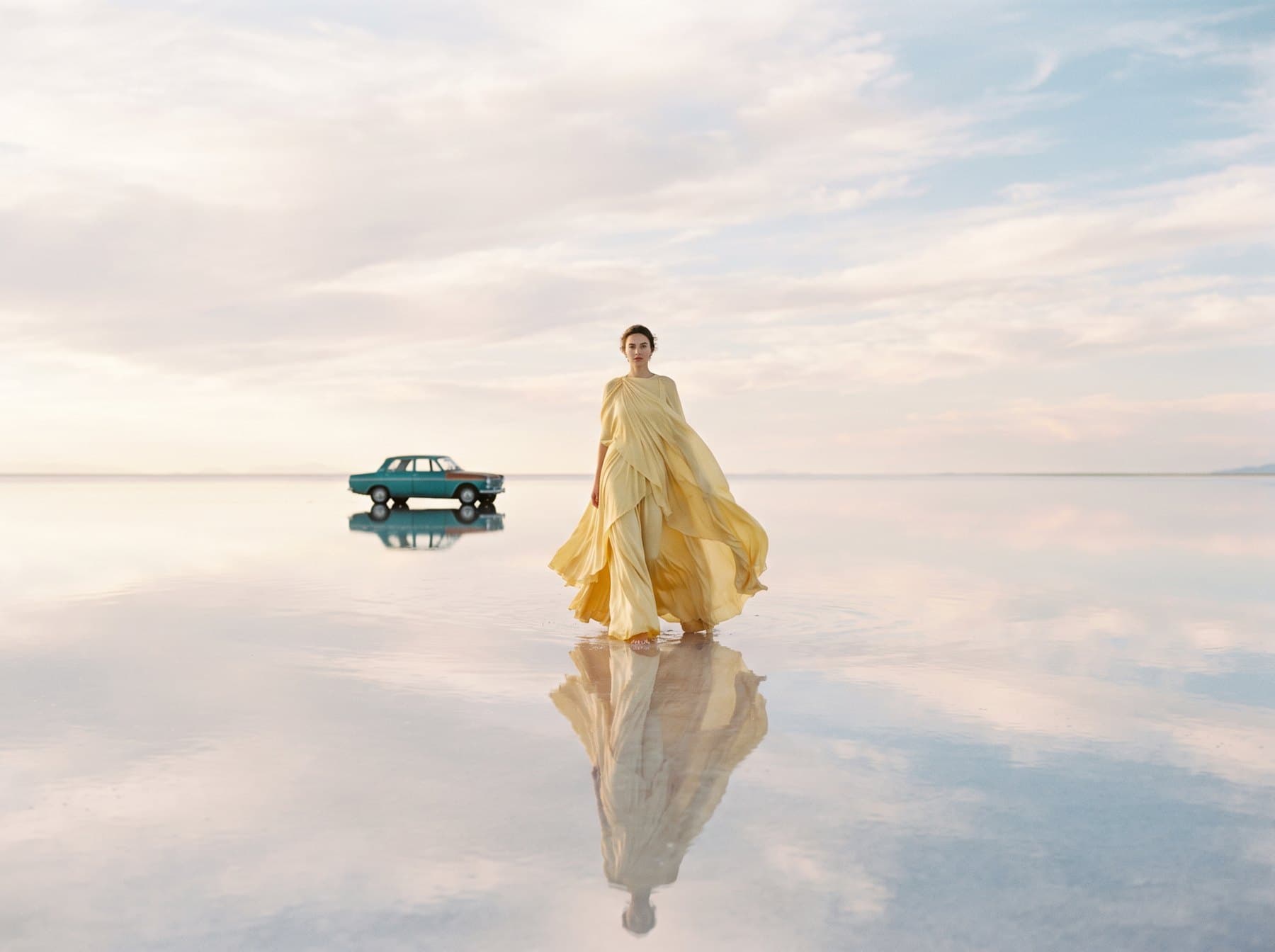
Black Forest Labs' FLUX.2 Pro is the production cut of FLUX.2: up to four considered images a run, in square, landscape, or portrait. Use it for the shot you mean to keep, from product photos to covers.


01
Choose 1:1 square, 4:3 landscape, 3:4 portrait, 16:9 widescreen, 9:16 vertical, 3:2 landscape, or 2:3 portrait, and 1 to 4 images. The Create button shows the cost as you go.
02
Describe the image like you'd brief a designer: subject, setting, style, and light. FLUX.2 Pro handles the rest.
03
When the images are ready, open them in your library and download the ones you want to keep.
A model costs the same credits on every plan. Pay yearly and save about 20%.
Every plan can use FLUX.2 Pro, Free included. Plans differ in credits, not in models.
100 credits, one time
Up to 3 Veo 3.1 clips
900 credits / month
About $1.00 per 100 credits
Up to 33 Veo 3.1 clips a month
1,500 credits / month
About $1.00 per 100 credits
Up to 55 Veo 3.1 clips a month
3,500 credits / month
About $1.00 per 100 credits
Up to 129 Veo 3.1 clips a month
Cost, sizes and plans for FLUX.2 Pro.
In credits, by how many images you make. The Create button shows the exact cost before you start, and nothing is charged until you click it.
FLUX.2 Pro renders 1:1 square, 4:3 landscape, 3:4 portrait, 16:9 widescreen, 9:16 vertical, 3:2 landscape, and 2:3 portrait, 1 to 4 images per run. The largest output is 2K.
Yes. Every model is on every plan, Free included, and your 100 signup credits cover several full runs of 4 images on FLUX.2 Pro.
Your job shows its status in the library as it goes: queued, rendering, then ready. You can keep working while FLUX.2 Pro renders.
You own your outputs; you're responsible for having the rights to what you generate.
You get the whole charge back automatically, once. If only some of a run's images come back, the whole run is refunded, not just the missing images.
